
Why Choose GPT Image 1.5?
Transform your visuals instantly without complex software. From smart prompt enhancement to multi-image referencing, get professional results with simple text commands.
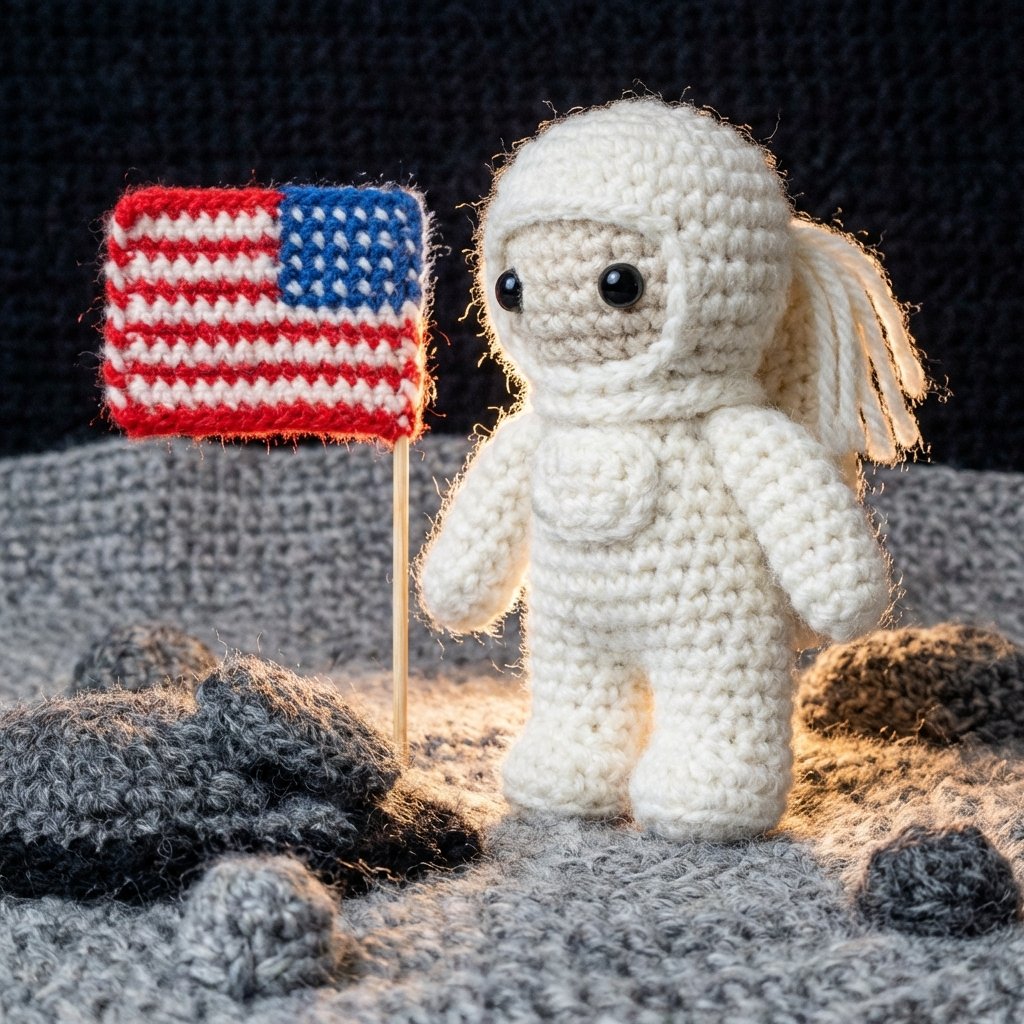
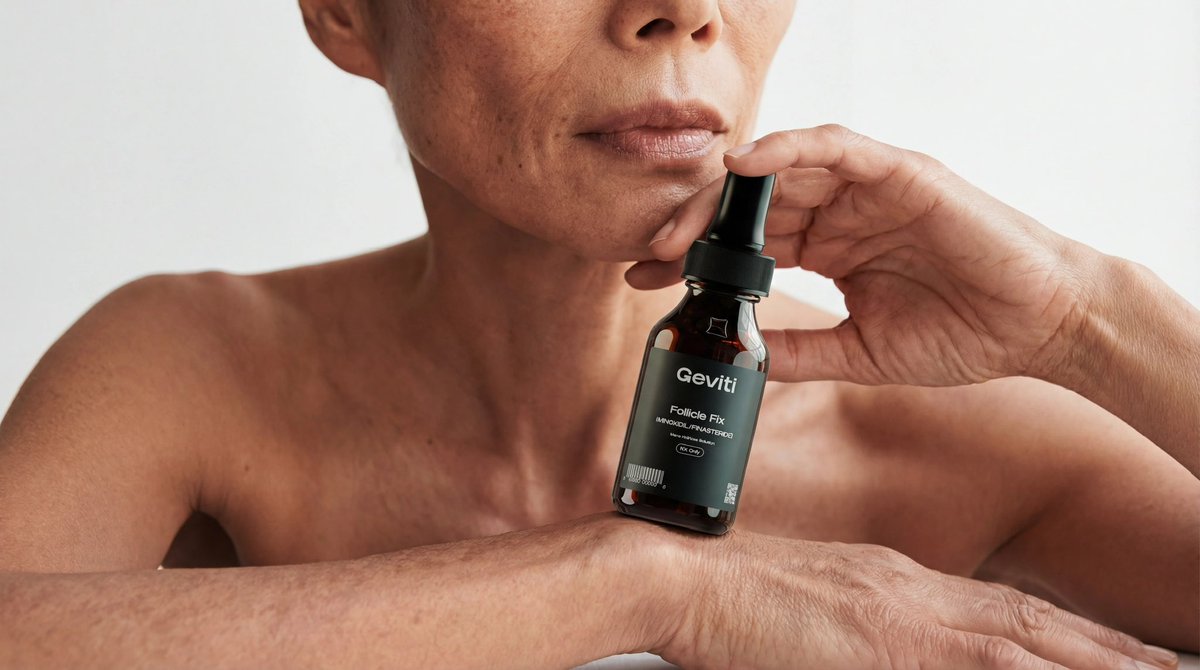
Precise Editing & Style Transfer
Delivers precise image editing while preserving critical details such as lighting, composition, and character identity. Supports creative transformations with fine-grained style control for consistent iterative workflows.
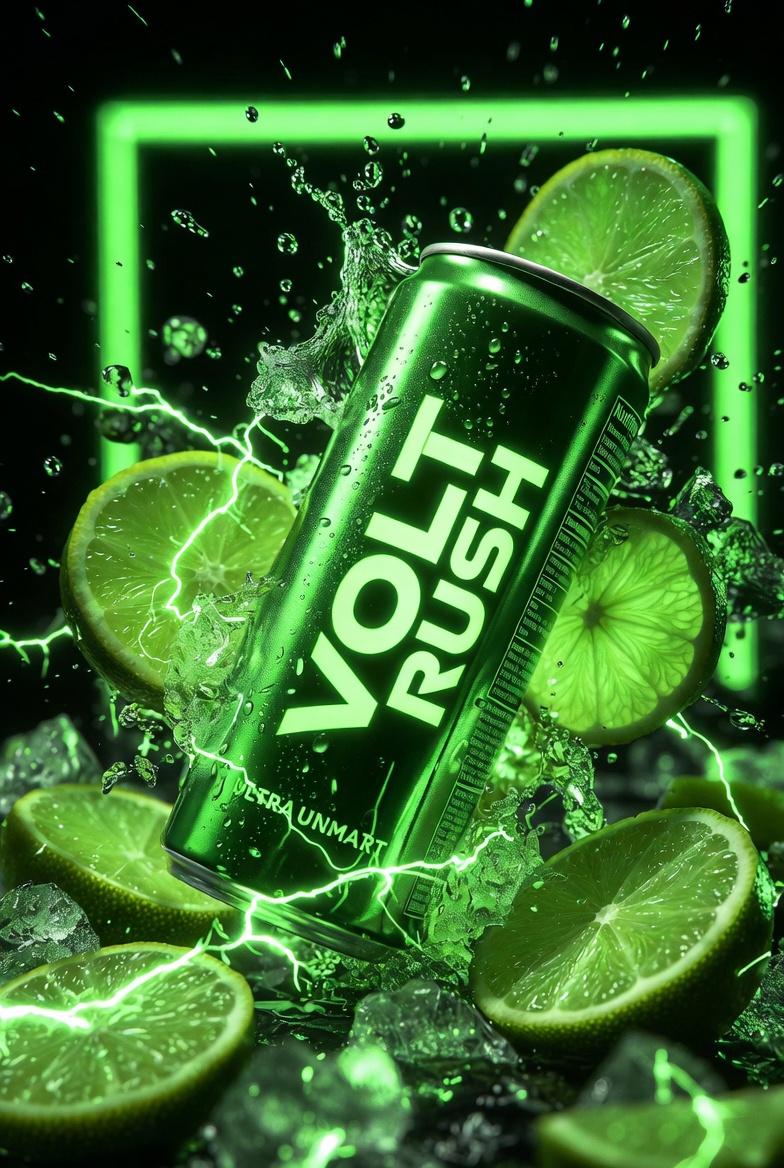
Stronger Text Rendering
Takes a clear step forward in text rendering, especially for dense or small text inside images. Perfect for posters, infographics, UI mockups, and branded visuals where legible text is essential.
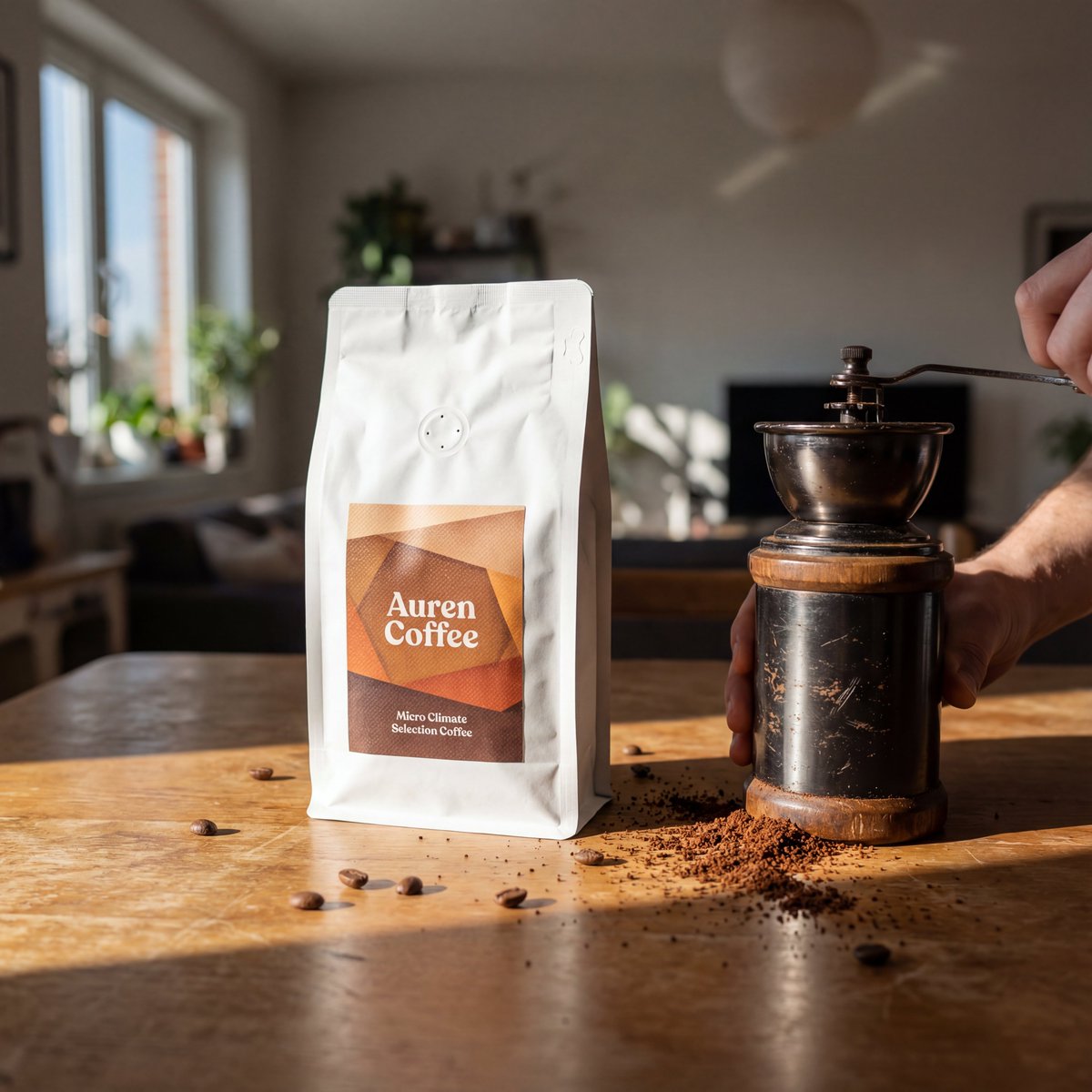
Higher Visual Fidelity
Produces more realistic images with improved lighting, material accuracy, and overall visual coherence. Performs better in challenging scenarios like rendering many small faces or maintaining natural proportions.
How to Edit with GPT Image 1.5
Reimagine your photos in three easy steps using AI.
Upload or Describe
Upload an image to edit or describe what you want to create. GPT Image 1.5 follows instructions more consistently than earlier versions.
Apply Transformations
Add, remove, combine, or blend visual elements. Apply fine-grained style control and style transfer for consistent results across edits.
Generate & Download
Generate images up to 4x faster than previous versions. Download in your preferred format with high visual fidelity.
FAQs about GPT Image 1.5 Editor
Common questions about using the GPT Image 1.5 transformation tool.
What is GPT Image 1.5?
GPT Image 1.5 is OpenAI's advanced AI image generation model. It delivers more precise editing, stronger text rendering, more reliable instruction following, and higher visual fidelity compared to earlier versions.
What can I edit with GPT Image 1.5?
You can add, remove, combine, or blend visual elements. It supports precise image editing while preserving key details like lighting, composition, and character identity.
How is text rendering improved?
GPT Image 1.5 renders dense or small text inside images more accurately, making it suitable for posters, infographics, UI mockups, and branded visuals.
Is it faster than previous versions?
Yes, GPT Image 1.5 generates images up to 4x faster than earlier ChatGPT Image versions with better cost efficiency.
What are the best use cases?
Product image generation, brand-safe image editing, text-heavy visuals like infographics, and automated image generation for content platforms.
Is it free to use?
Yes, you can try GPT Image 1.5 for free. We offer daily credits so you can experiment without a subscription.