
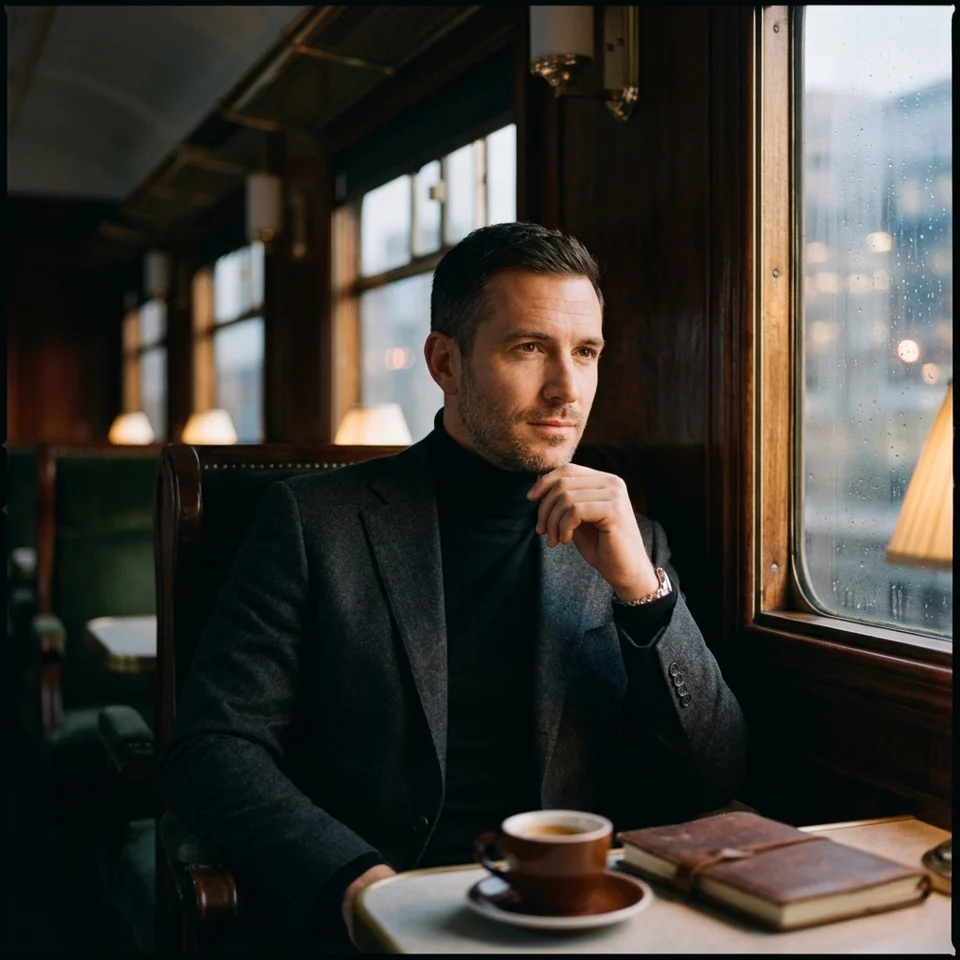
Why Choose GPT Image 2?
Transform your visuals instantly without complex software. From smart prompt enhancement to multi-image referencing, get professional results with simple text commands.
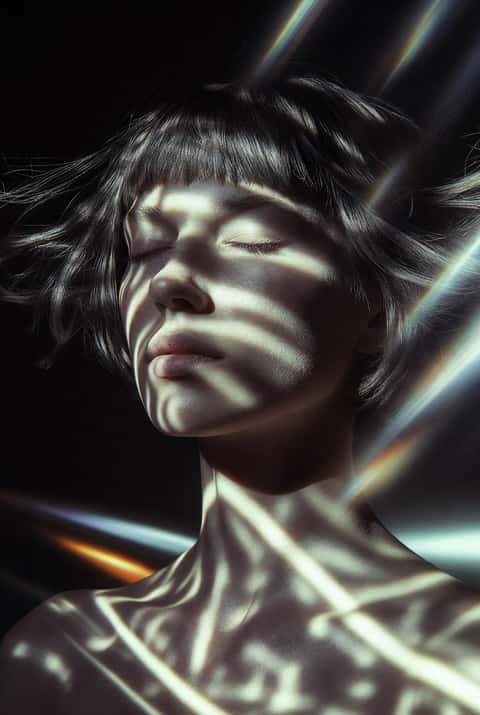
Up to 16 Reference Images
Upload up to 16 reference images for unprecedented creative control. GPT Image 2 excels at understanding and blending multiple visual references into cohesive outputs.
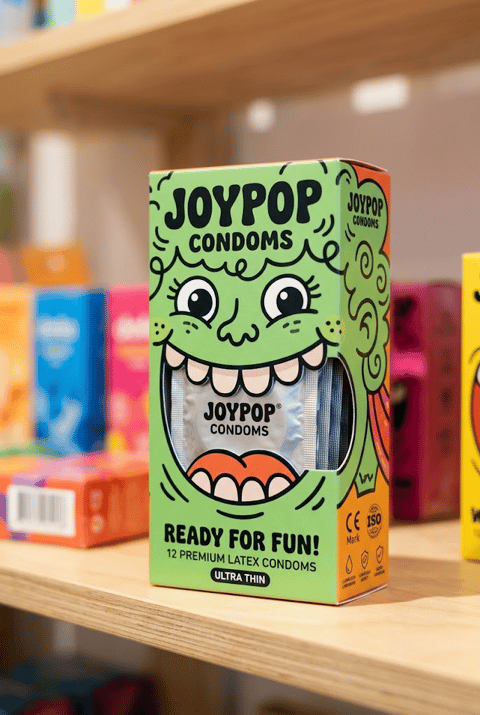
Strong Prompt Adherence
GPT Image 2 follows prompts with exceptional accuracy, understanding complex descriptions and creative concepts. Perfect for bringing detailed visions to life.
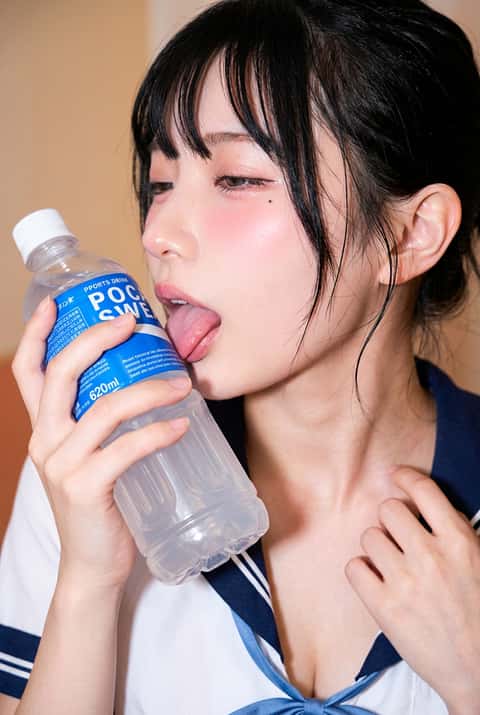
Text-to-Image & Image Remix
Generate new images from text prompts or remix existing images. GPT Image 2 maintains consistent quality and style in both modes.
How to Edit with GPT Image 2
Reimagine your photos in three easy steps using AI.
Enter Prompt & Upload References
Describe your desired image in detail. Optionally upload up to 16 reference images to guide the style and composition. GPT Image 2 understands complex prompts.
Generate Image
Click generate and GPT Image 2 will create your image based on the prompt and references. The model excels at creative interpretations.
Download & Use
Download your generated image and use it for any project. GPT Image 2 produces high-quality outputs suitable for professional use.
FAQs about GPT Image 2 Editor
Common questions about using the GPT Image 2 transformation tool.
What is GPT Image 2?
GPT Image 2 is OpenAI's latest image generation model supporting text-to-image and image remix with up to 16 reference images and strong prompt adherence.
How many reference images can I use?
You can upload up to 16 reference images, the highest among all models. This allows for complex style blending and creative compositions.
What makes GPT Image 2 special?
GPT Image 2 excels at understanding complex prompts and creative concepts, following instructions with exceptional accuracy while maintaining artistic quality.
Does it support different aspect ratios?
GPT Image 2 currently generates images in automatic aspect ratio based on the prompt and references.
Best use cases for GPT Image 2?
Perfect for creative projects, concept art, complex compositions, and any scenario requiring strong prompt adherence and multiple reference images.