
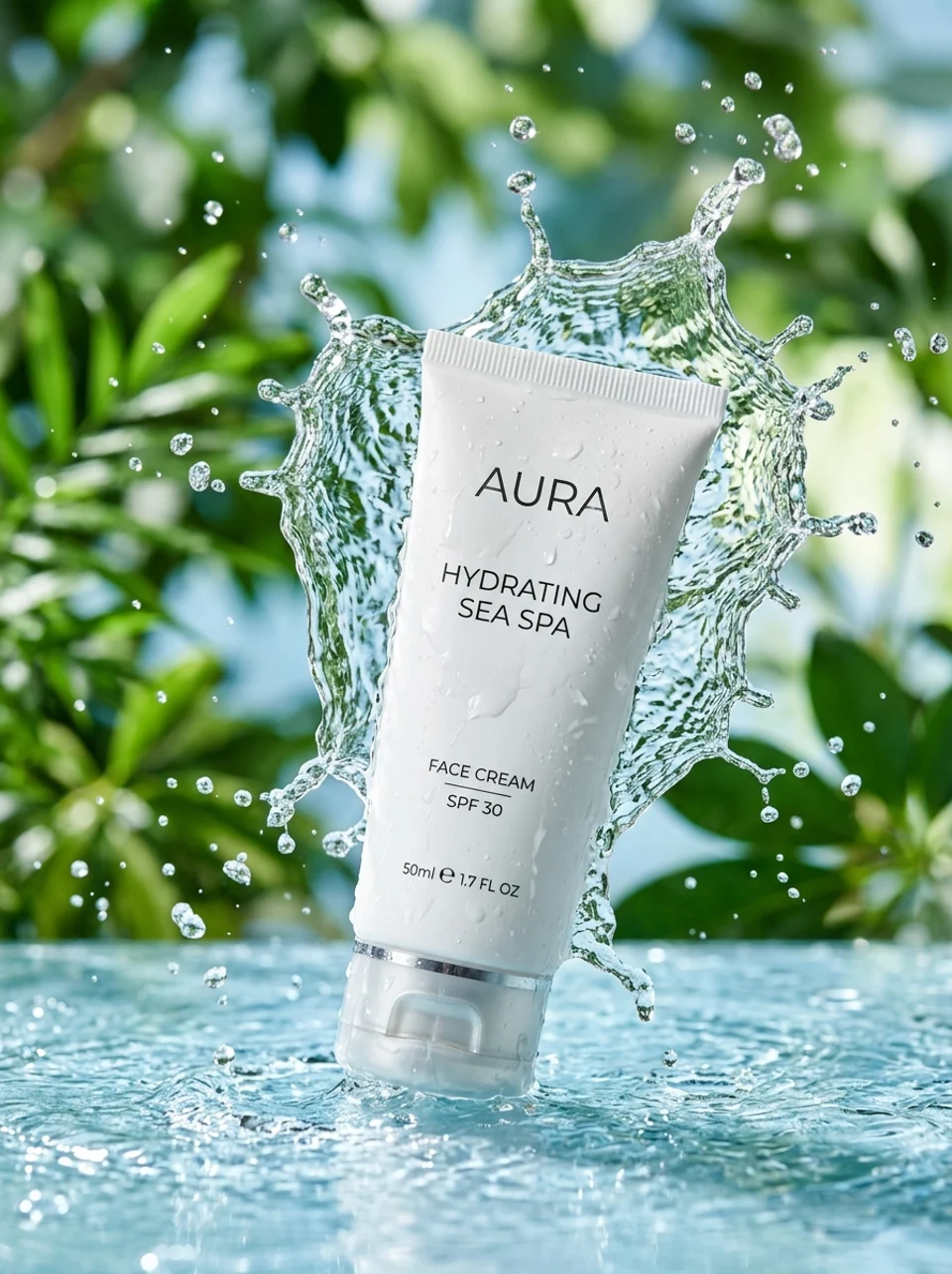
Why Choose Seedream 5.0 Lite?
Transform your visuals instantly without complex software. From smart prompt enhancement to multi-image referencing, get professional results with simple text commands.
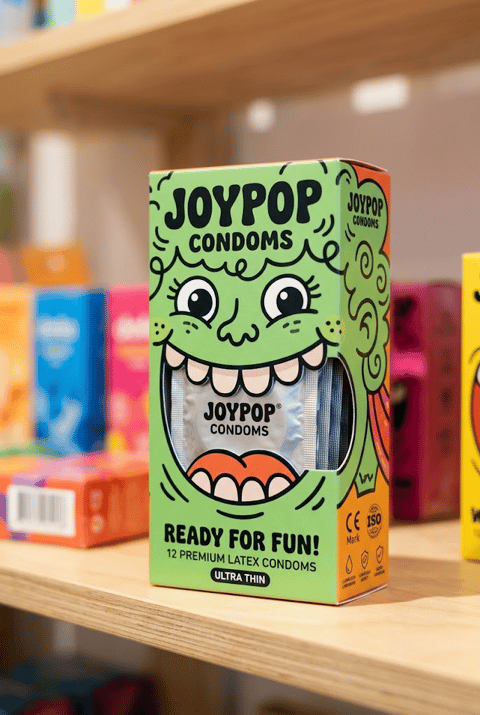
Up to 14 Reference Images
Upload up to 14 reference images to guide style, composition, and visual elements. Seedream 5.0 Lite excels at blending multiple references into cohesive outputs.
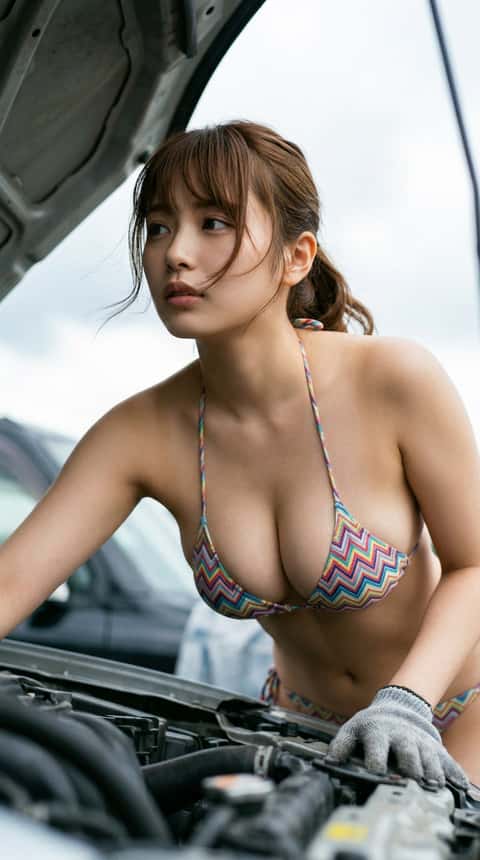
Dual Quality Modes
Choose between basic and high-quality modes. Both modes cost the same credits, with high-quality providing enhanced detail and refinement for professional use.
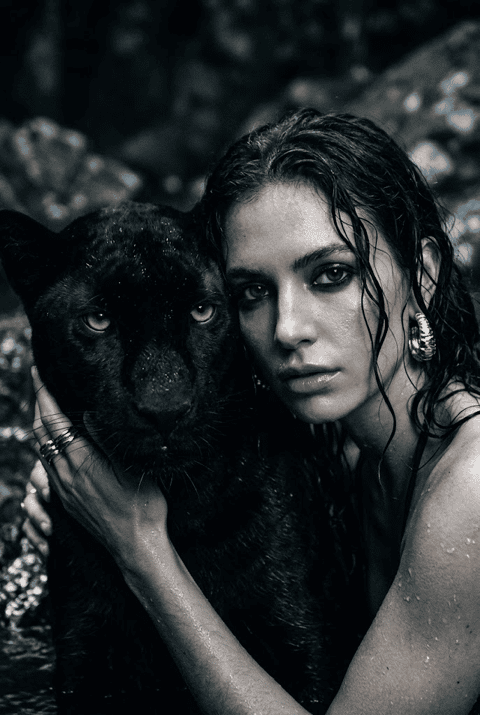
8 Aspect Ratio Options
Support for 8 aspect ratios including 1:1, 16:9, 9:16, 4:3, 3:4, 2:3, 3:2, and 21:9. Create images optimized for any platform or use case.
How to Edit with Seedream 5.0 Lite
Reimagine your photos in three easy steps using AI.
Enter Prompt & Upload References
Describe your desired image and upload up to 14 reference images. Seedream 5.0 Lite will blend your references with your prompt to create unique compositions.
Select Quality & Format
Choose basic or high-quality mode and select your aspect ratio. High-quality mode provides enhanced detail without additional cost.
Generate & Download
Click generate and wait for your image. Download in your chosen quality and format, ready for any use case.
FAQs about Seedream 5.0 Lite Editor
Common questions about using the Seedream 5.0 Lite transformation tool.
What is Seedream 5.0 Lite?
Seedream 5.0 Lite is a versatile image generation model supporting up to 14 reference images, 8 aspect ratios, and dual quality modes for creative compositions.
How many reference images can I use?
You can upload up to 14 reference images to guide the style, composition, and visual elements of your generated image.
What is the difference between basic and high quality?
High-quality mode provides enhanced detail, refinement, and polish. Both modes cost the same credits, so high-quality is recommended for professional use.
Best use cases for Seedream 5.0 Lite?
Perfect for creative compositions, multi-style blending, social media content, and any project requiring multiple reference images.